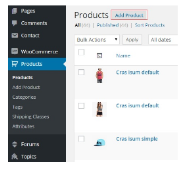
Follow the steps below to add a new product
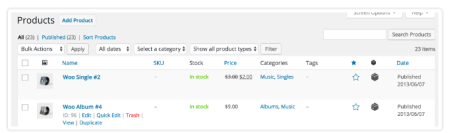
- In admin panel, you go to Products and click the Add Product button
- Input the product title and product content
- Select Product Category, Product Tag
- Add Featured Image and Product Gallery
- In the Product Options section, you can override some options in Theme Options
- Next is the Product Data section. This is where the majority of the product data is input